Dissemination activity in Portugal
https://true.publico.pt/agrupamento-vieira-leiria
Local Activities Using Information and Communication Technology (ICT)
Overview:
The Erasmus+ project involves multiple partners from Romania, Poland, Italy, Spain, and Portugal, collaborating to develop and implement local activities with a focus on Information and Communication Technology (ICT). The primary goal of these activities is to enhance the digital skills of participants and promote the effective use of ICT in education and other relevant fields.
Objectives of Local Activities:
- Improving Digital Skills: Developing and enhancing participants’ abilities to use various digital tools and techniques.
- Promoting Digital Education: Supporting digital education and the use of technology in the learning process.
- Creating Digital Educational Resources: Developing and sharing digital resources for use in schools and educational institutions.
- Promoting International Collaboration: Strengthening collaboration and the exchange of best practices among partners from different countries.
Activities Conducted:
- Online Courses and Workshops: Organizing online courses and interactive workshops for participants, focusing on topics such as using digital tools, creating digital content, and managing online resources.
- Development of Educational Materials: Creating and sharing digital educational materials, including interactive lessons, presentations, and digital guides.
- Webinars and Online Seminars: Hosting online events to discuss relevant topics in the field of ICT and facilitate discussions among participants.
- Virtual Visits and Tours: Utilizing technology to provide participants with virtual learning experiences, such as virtual museum visits or tours of places of interest.
- Creation of Online Educational Platforms: Developing educational platforms or websites to facilitate access to educational resources and promote online learning.
Tangible Results:
- Digital Educational Resources: The creation of digital resources such as online lessons, tutorials, and educational materials that can be used in schools and educational centers.
- Enhanced Digital Skills: Participants improve their skills in using ICT, making them more efficient in their activities.
- Strengthened International Collaboration: The development of collaborative relationships and partnerships among the organizations involved in the project.
Intangible Results:
- Improved Confidence: Participants gain confidence in using technology and in their ability to address digital challenges.
- Exchange of Best Practices: Participants share experiences and best practices in using ICT in education and other fields.
- Development of Communication Skills: Participants develop communication and collaboration skills in the online environment.
Conclusion:
These local activities within the Erasmus+ project have contributed to enhancing the digital skills of participants, creating digital educational resources, and strengthening international collaboration in the field of ICT. These results will have a positive impact on education and the continuous development of participants and their institutions.
Local activities-All partners:
CodeWeek / 7-22 octombrie 2023
Activities made by Gina Posirca, Romania.
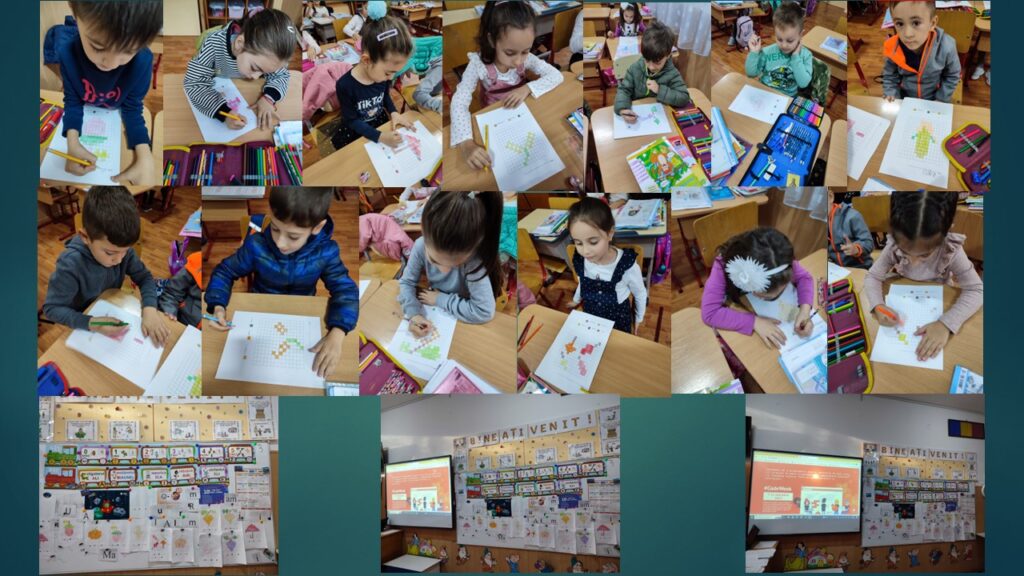
1.“Draw with Color Code”
Objectives:
Introduction of children to the world of programming and coding using colors. Development of creativity and artistic skills of students. Encouragement of collaboration and teamwork.
Materials needed:
Colored pencils or markers in various colors. Worksheet with a “color code” (a list of colors and corresponding codes, for example, red = R, blue = B, green = G, etc. or numbers: red = 1, blue = 2, etc.).
Activity description:
Preparing the activity (10 minutes):
Ensure you have enough worksheets and colored pencils for all students. Create a simple “color code” and assign letters or symbols to be used during the activity. For example: R (red), G (green), B (blue), Y (yellow), etc.
Introduction (5 minutes):
Discuss with the students what a “code” is and why it is important in the world of programming and technology. Explain to them that they will use a “color code” to create drawings.
Main activity (30-40 minutes):
Distribute the worksheets and colored pencils to the students. Instruct the students to use the color code to complete their drawings. Students can collaborate and communicate as a team to create more complex drawings or to tell a visual story using the color codes.
Conclusion of the activity (10 minutes):
Have the students present their drawings and explain the color codes used to their classmates. Discuss with the students how they used the code to create their drawings and the importance of coding in the digital world. This activity will help students understand the concept of coding using colors and develop their artistic and creative skills in a fun and interactive way, suitable for their age.
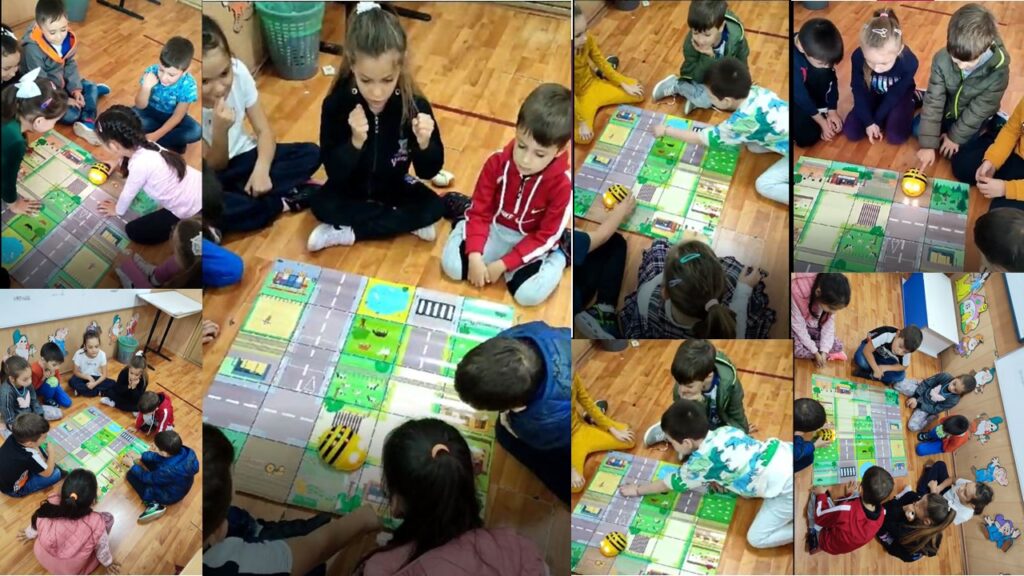
2.”Bee Bot Helps Us Speak Correctly!“
Objectives:
Development of students’ speaking and expression skills. Learning to formulate simple and coherent sentences. Using Bee-Bot technology to make the learning process interactive and fun.
Materials needed:
Bee-Bot or a similar programmable robot. Images or illustrations of various objects or scenes that can be used to create sentences. Plates with words drawn on them or spaces for placing magnetic words. Sufficient workspace to arrange the images and Bee-Bot.
Activity description:
Preparing the activity (10 minutes):
Place the images or illustrations of objects or scenes on a table or the floor so that they are visible to the students. Prepare the plates with words or spaces for words.
Introduction (5 minutes):
Discuss with the students the importance of speaking correctly and formulating sentences. Explain that Bee-Bot will be their partner in this activity, helping them to form sentences.
Main activity (25-30 minutes):
Divide the students into small groups or let them work individually, depending on your preference. Place several images or illustrations in front of each group or student. Students must choose images and arrange them in the correct order to form sentences of 2, 3, or 4 words. For example, for an image of a bird on a branch and a house, students can form the sentence “The bird is on the house.” Then, they must program Bee-Bot to move over the plates with words and select the appropriate words to complete the sentence. Bee-Bot can move towards the words chosen by the students.
Conclusion of the activity (10 minutes):
Have the students present their sentences to their classmates or share the words and sentences they formed with Bee-Bot. Discuss with the students their experience and the importance of speaking correctly and communicating clearly.
This activity allows students to develop speaking skills and learn to formulate correct and coherent sentences in an interactive and fun way with the help of Bee-Bot.
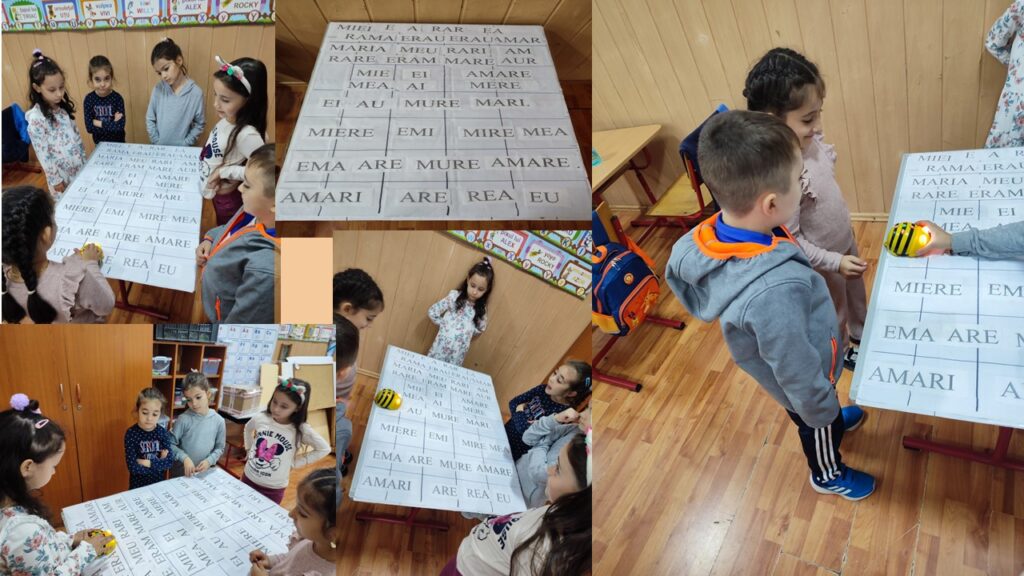
3.Bee-Bot Helps Us Read
Objectives:
Learning and recognizing the letters A, M, E, I, U, and E. Developing the skills to read simple words. Using Bee-Bot to learn words with the specified letters. Materials needed:
Bee-Bot or a similar programmable robot. Plates or cards with the letters A, M, E, I, U, and E. Plates or cards with simple words containing these letters. A sufficiently large workspace to place the letters and the robot. Activity description:
Preparing the activity (10 minutes):
Place the letters A, M, E, I, U, and E on the floor or on a table, each at a considerable distance from each other. Position the plates or cards with the simple words a few steps away from the corresponding letters.
Introduction (5 minutes):
Discuss with the students the letters A, M, E, I, U, and E, showing each letter and asking them to identify it. Explain that Bee-Bot will help them learn to form words with these letters in a fun way.
Main activity (20-30 minutes):
Students will program Bee-Bot to move from letter to letter to form simple words. For example, to form the word “MEOW,” they need to reach the letters “M,” “E,” “O,” and “W” in order. When Bee-Bot reaches each letter, students should pronounce the letter out loud. After completing the formation of the word, you can ask the students to read it aloud.
Conclusion of the activity (10 minutes):
Congratulations the children for their efforts and discuss with them the words they have formed using Bee-Bot. Encourage them to share their experiences and tell what words they have read with the help of the robot. This activity allowed students to learn and recognize the letters A, M, E, I, U, and E, as well as to form and read simple words using these letters, all in a fun and interactive way with the assistance of Bee-Bot.
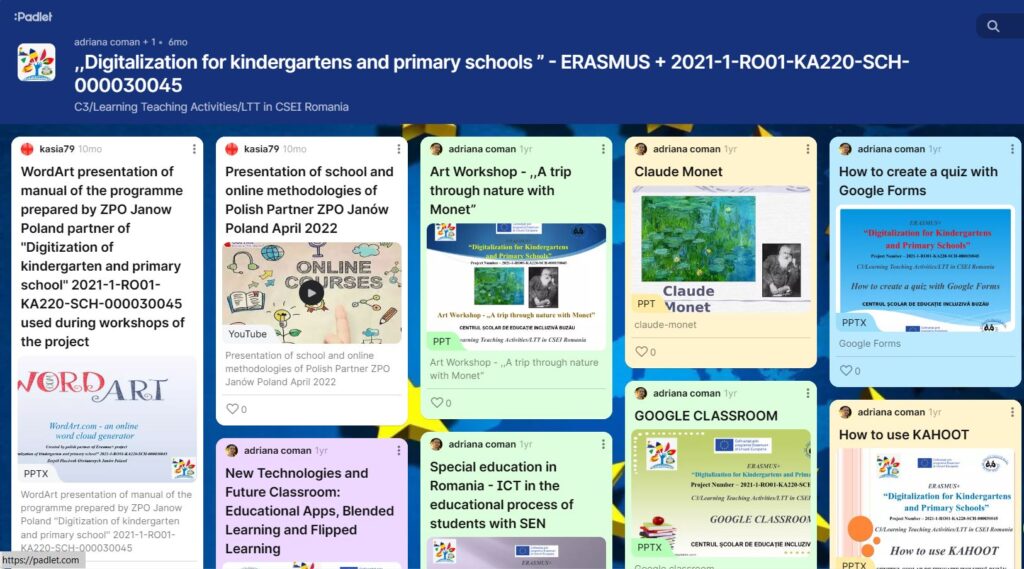
PADLET 2-all partners
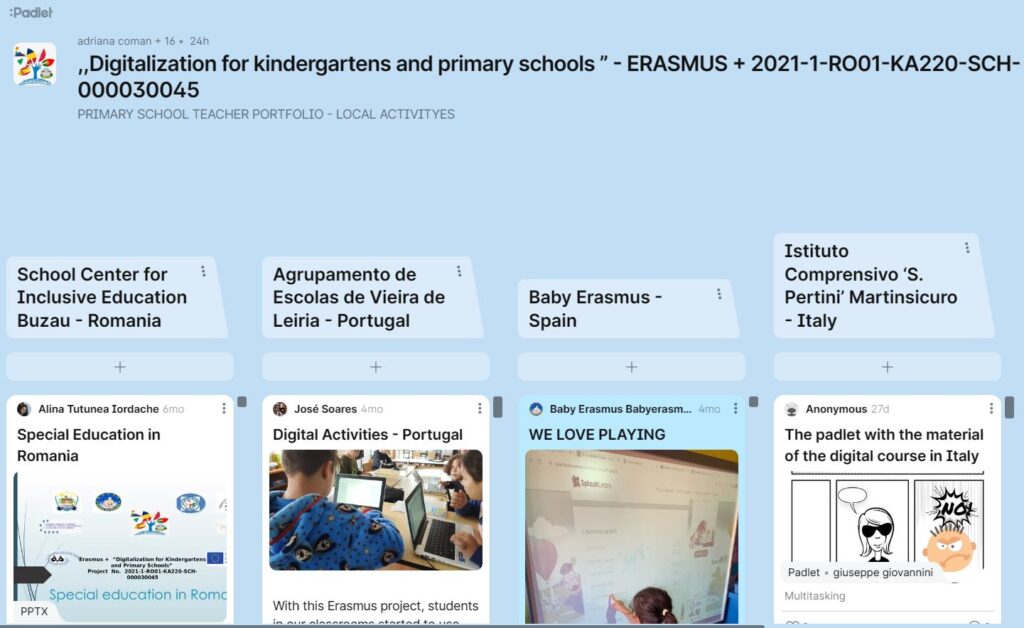
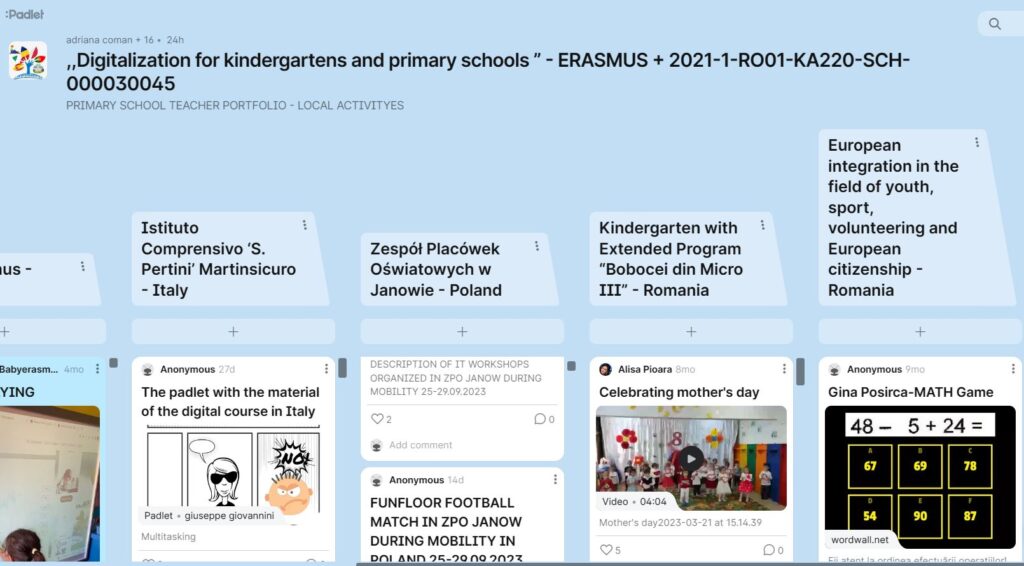
Mobility in VIERIA DE LEIRA 20/06/22-24/06/22
Digital lessons using Quizziz, Kahoot and other platforms: active methodologies in daily activities, peer to peer, flipped classroom, Project-based learning.
Web platforms for distance learning like Edmondo, Google Classroom, Teams using digital tools: Padlet, Biteable, Emaze, Genially. Evaluation through these technological means.
CHILDREN’S RIGHTS DAY -Italy
On the 20th November we celebrated the World Day for the Rights of the Child. More than 30 years have passed since the adoption of the UN Convention on the Rights of the Child, which for the first time recognized children as having civil, social, political, cultural and economic rights. Adopted in 1989, Italy ratified it on 27 May 1991.
The protection of the rights of all children is essential to aim for a future where there is no more discrimination and inequality.
The children of the kindergarten of Martinsicuro I.C. Pertini, addressed the issue of children’s rights on the occasion of the International Day promoted by Unicef. The proposal was accepted and their idea was used.
Here are the videos our teachers realized to share the experience and the richness of the children’s contributions.
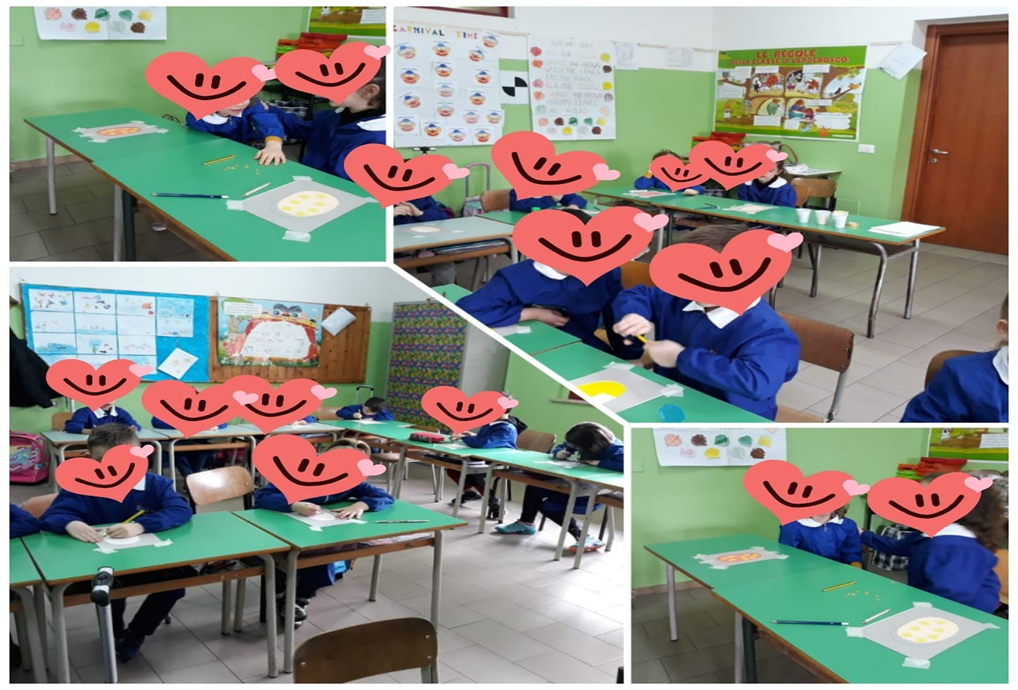
INTERNATIONAL DAY OF PERSONS WITH DISABILITIES: AUTISM
also this year the ministry of culture and of course also our institute adhere to the international day of the rights of persons with disabilities on december 3rd .
On this day, but actually every day, wepromote true valuesommit to overcoming physical, cognitive and sensory barrierssensitize everyone by stimulating debate and comparisoncontribute to overcoming all forms of racism and exclusion.
GLOBAL EDUCATION WEEK
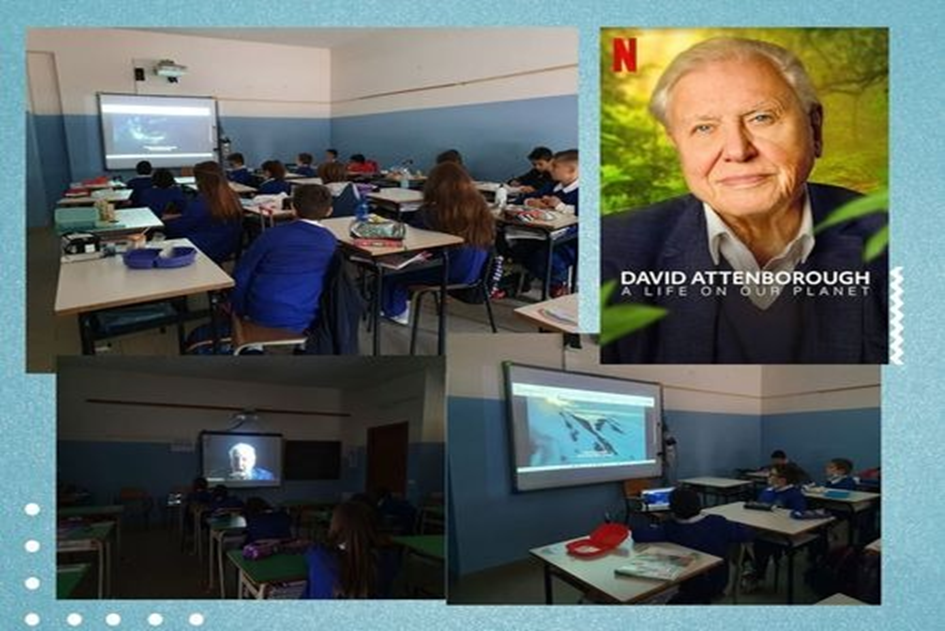
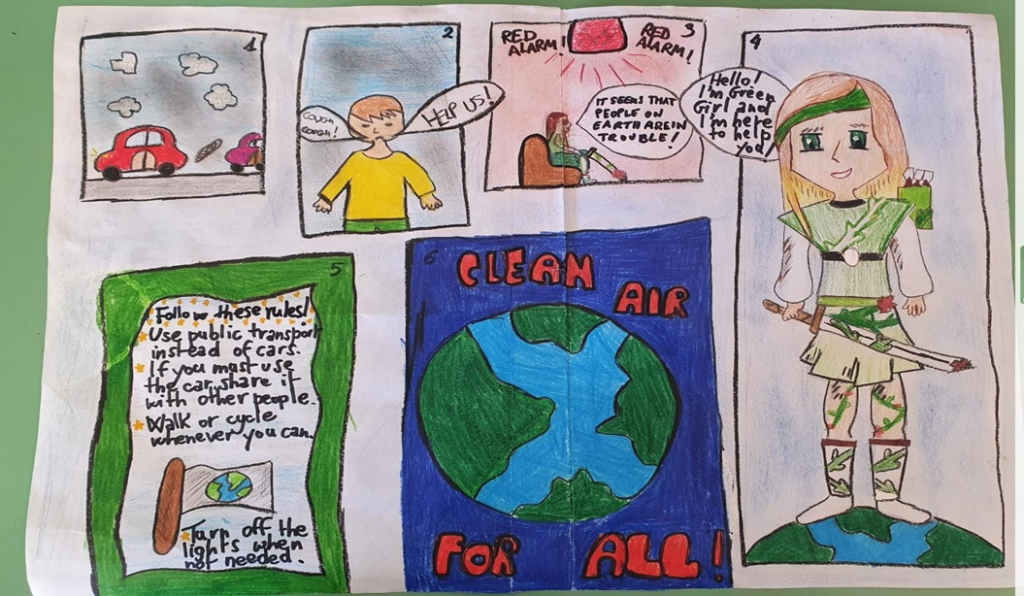
To celebrate this week, class work focused on the environment and its protection: a path of emotional exploration to promote a culture of attention and respect for shared rules in order to protect the world and its sources.
Making children aware of the protection of the planet means ensuring them a better future.
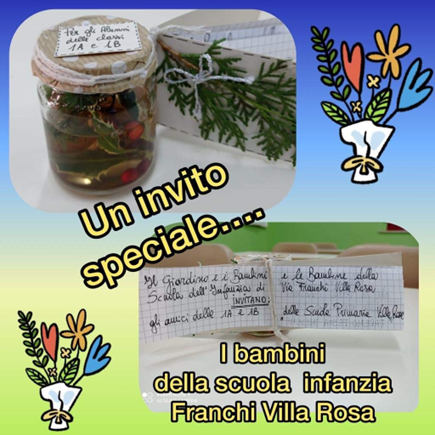
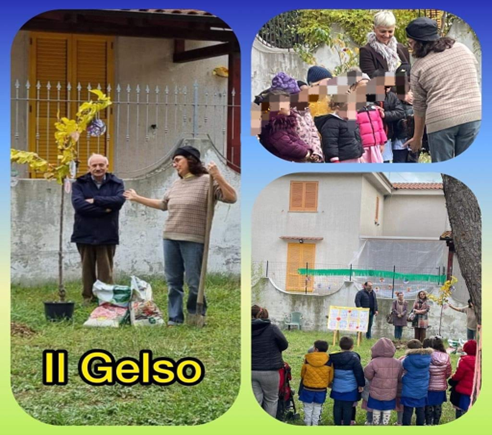
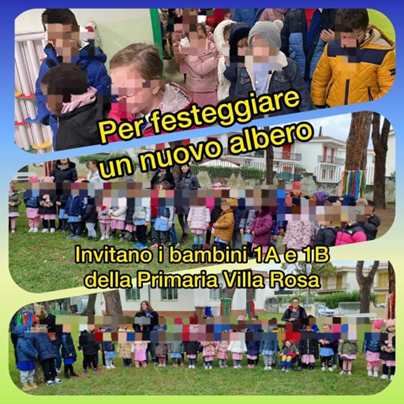
On 21st November in Italy we celebrate the ”NATIONAL TREE DAY”. We know how essential trees are for their abilities: to allow carbon dioxide to be absorbed and oxygen released, to prevent hydrogeological instability and to protect biodiversity. All Italian regions are involved every year in initiatives dedicated to celebrating the occasion: in some cities the celebrations also take place for a whole week.
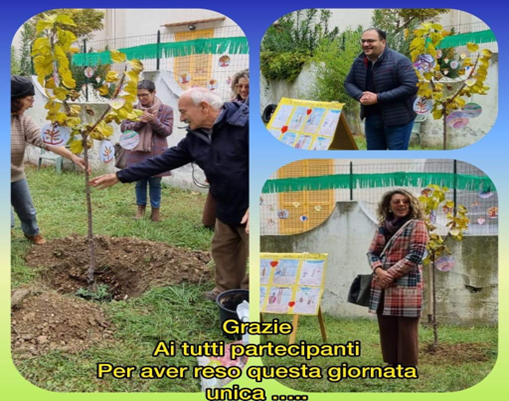
GREETINGS AND WISHES
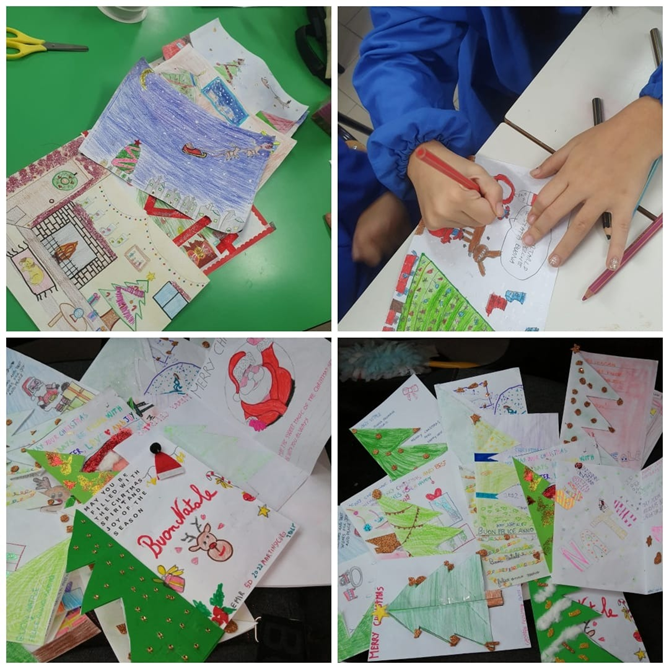
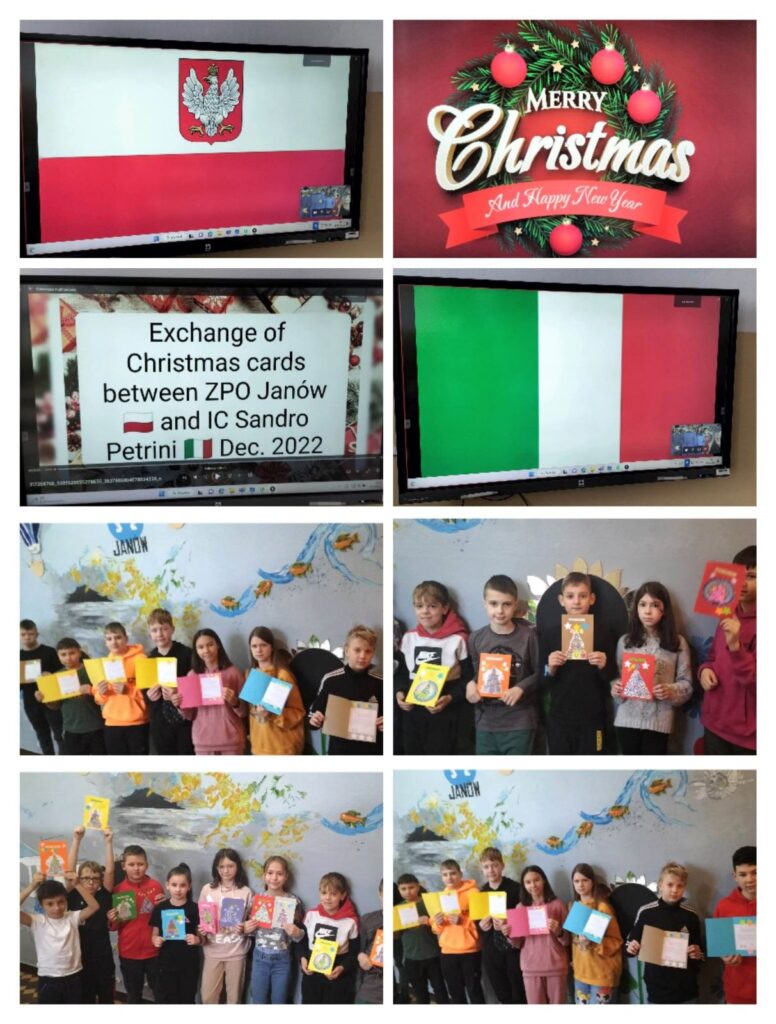
Local activity 3 of Zespol Placowek Oswiatowych Janow Poland
CHRISTMAS IN COUNTRIES OF THE PROJECT 2021-1-RO01-KA220-SCH-000030045
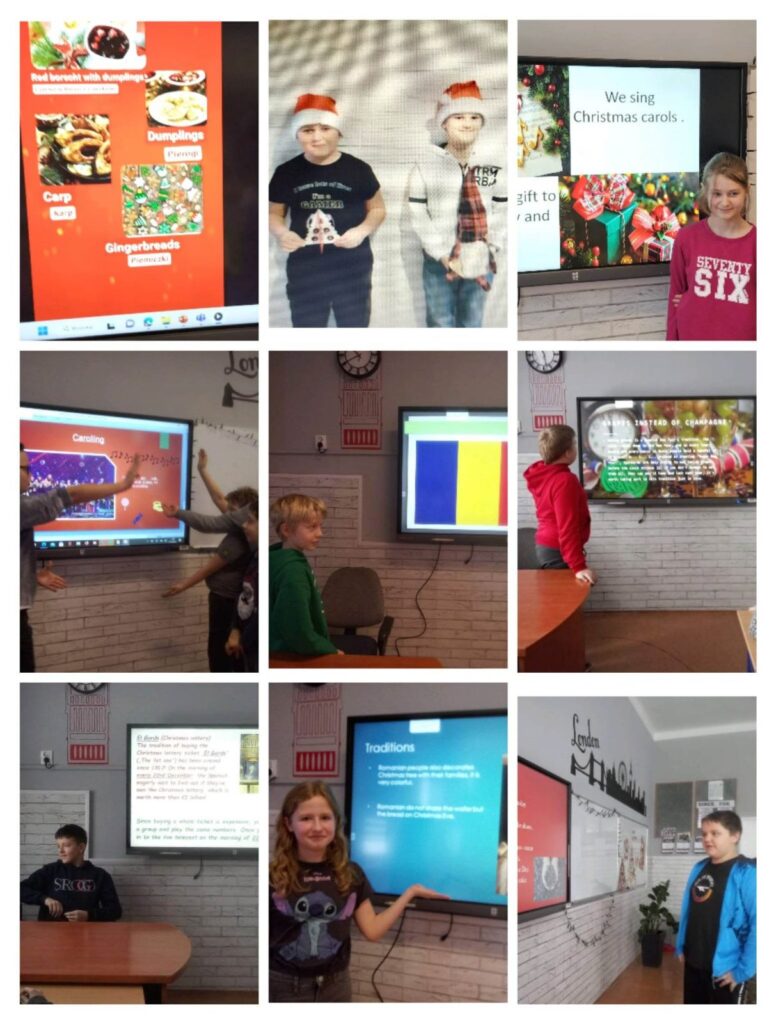
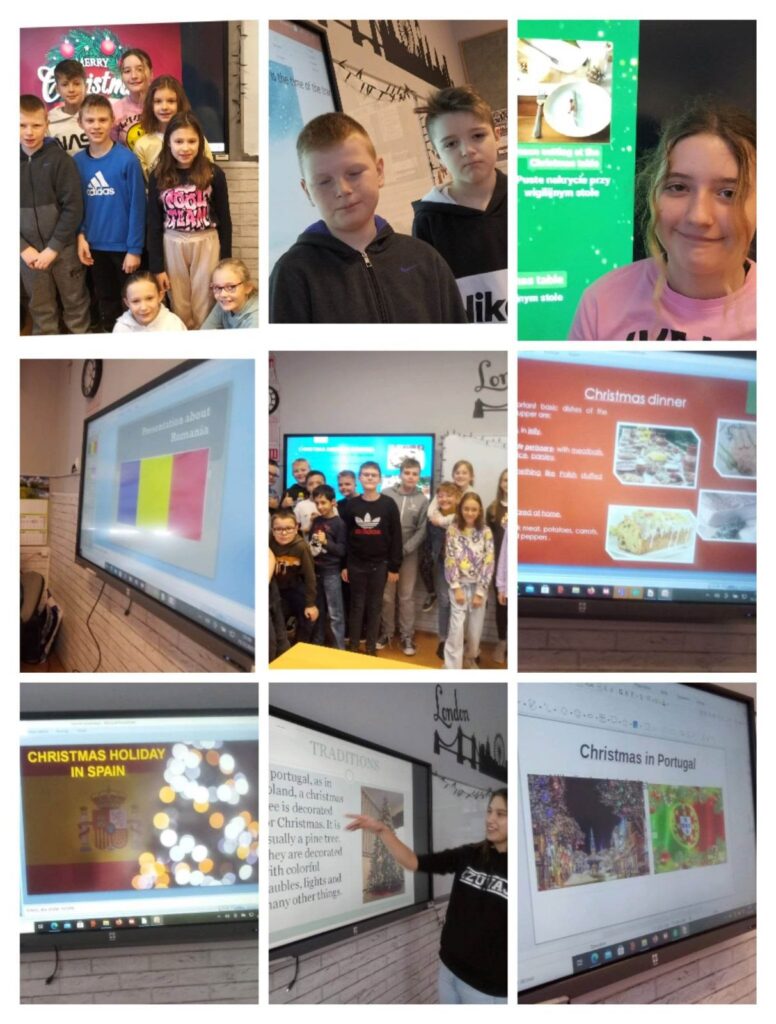
As part of the activation activities of the Erasmus+ project ”Digitization of kindergarten and primary school” 2021-1-RO01-KA220-SCH-000030045, students of grades IV to VIII prepared in the period from 12-16.12.2022 and presented at English classes multimedia presentations in various programs on Christmas in the partner countries of our project.
Students learned traditions, symbols, well-known dishes and typical vocabulary related to holidays in Romania, Poland, Spain, Italy and Portugal.
These were flipped lessons. All students were engaged and had a great time and developed their digital and multilingualism competences, understanding and information creation, as well as cultural awareness and expression competences.
https://fb.watch/hIq8_6C7ty/
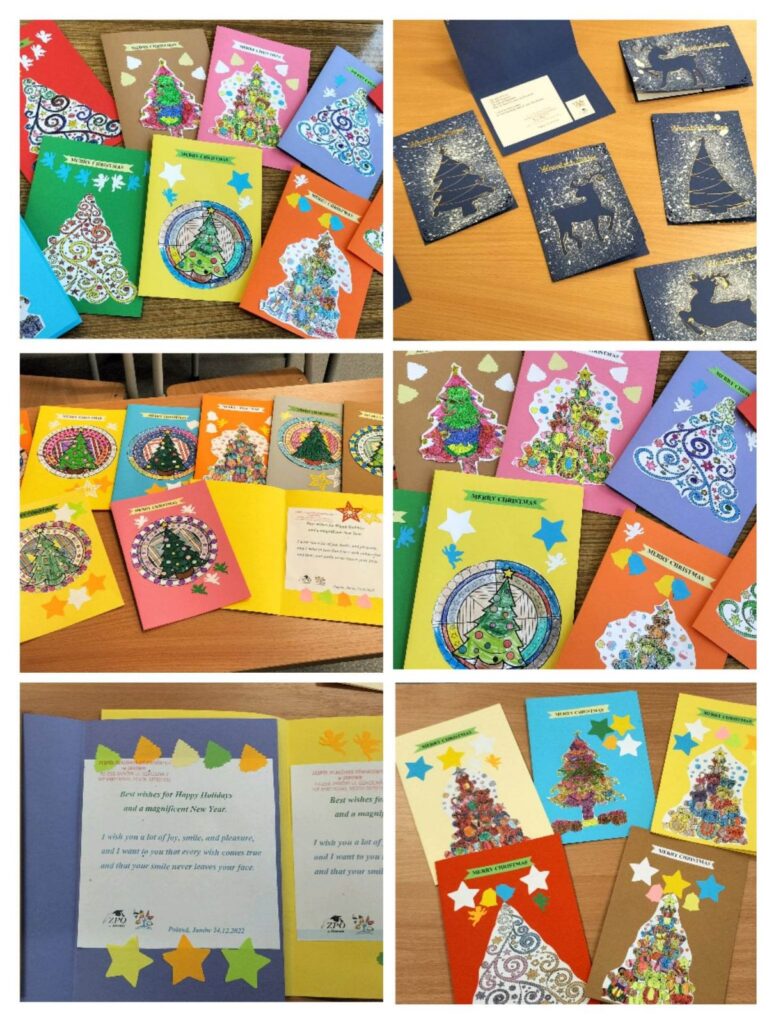
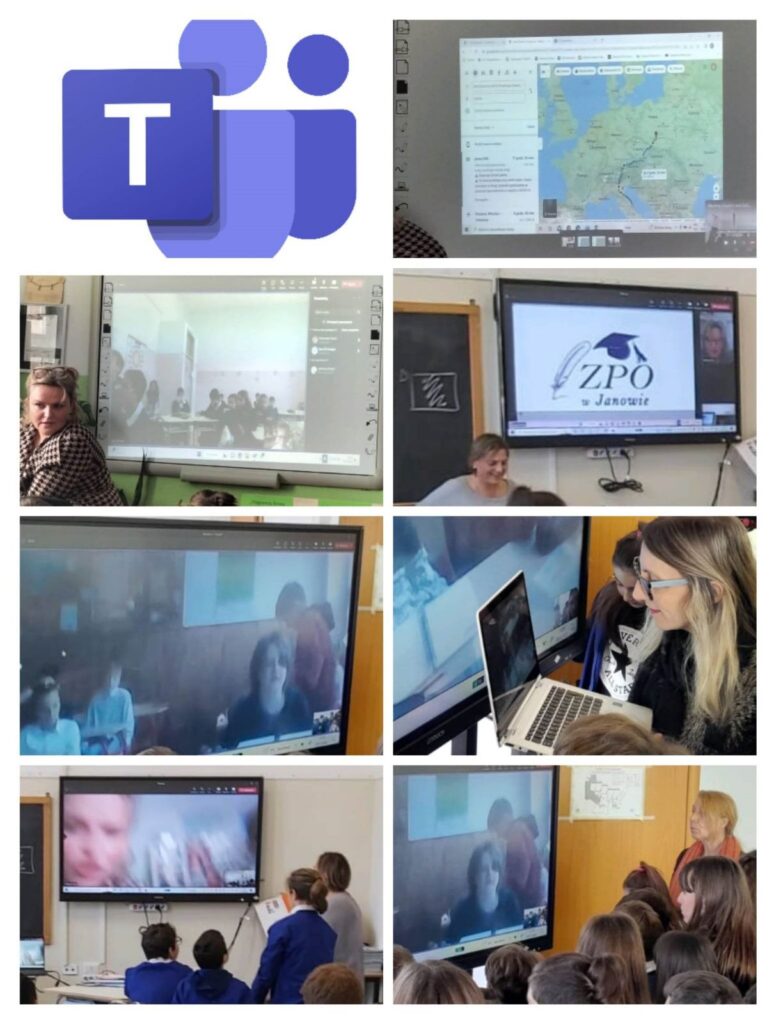
As part of the next activity of our Erasmus+ project, we prepared and sent Christmas cards to our colleagues from Italy, project coordinators and met on the Teams platform with peers of one of the project partners, i.e. I.C. Sandro Pertini Martinsicuro to exchange our experiences.
https://fb.watch/hIqYq-5fW3/
Workshop 1
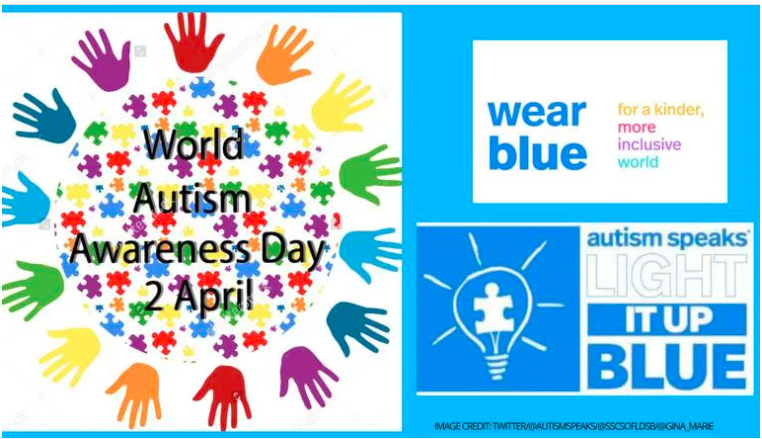
“World Autism Awareness Day in ZPO Janów, Poland 2.04.2022”
Workshop 1
“World Autism Awareness Day in ZPO Janów, Poland 2.04.2022”
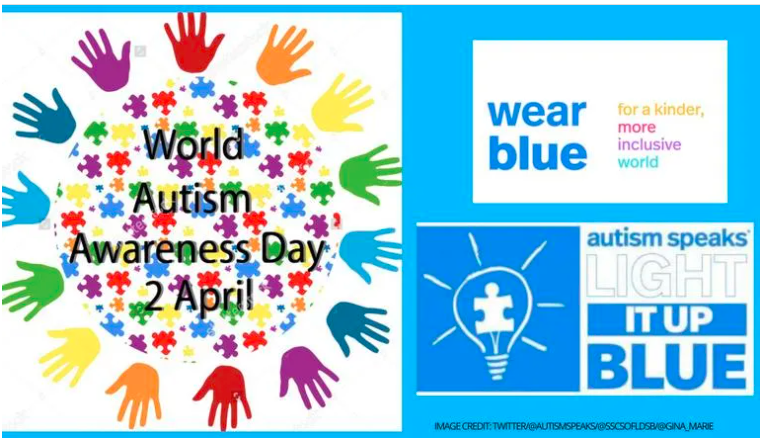
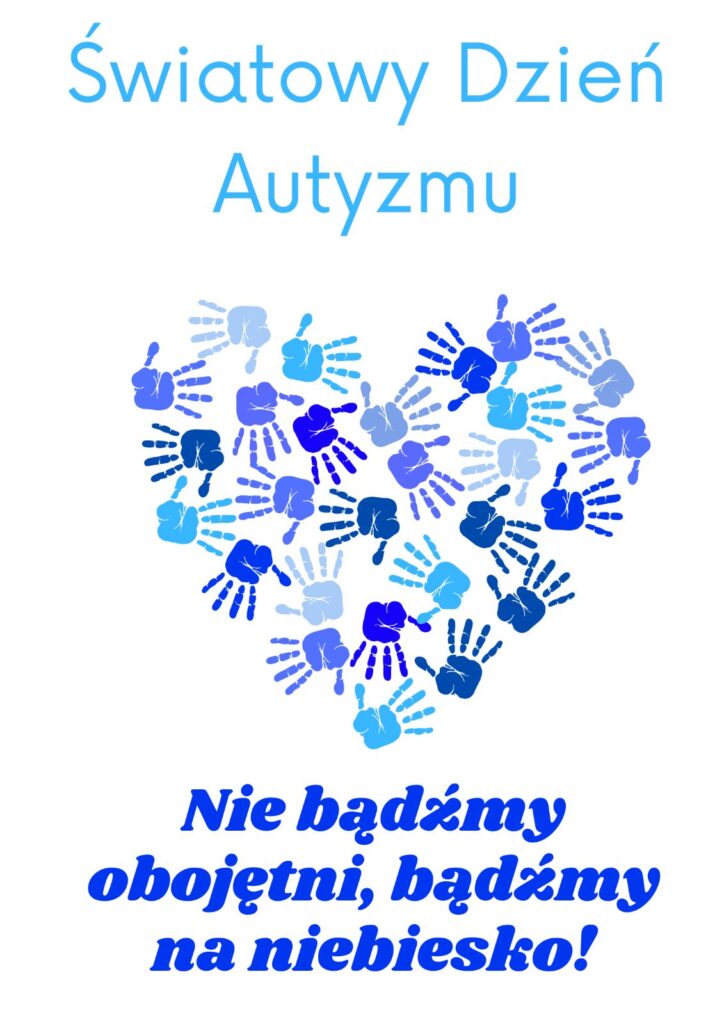
In our facility in Poland in the Educational Institutions Complex, we have not forgotten about this important holiday on April 2, 2022.
The celebration of World Autism Awareness Day was aimed at raising public awareness and drawing attention to the discrimination, isolation and abuse that people with autism often experience.
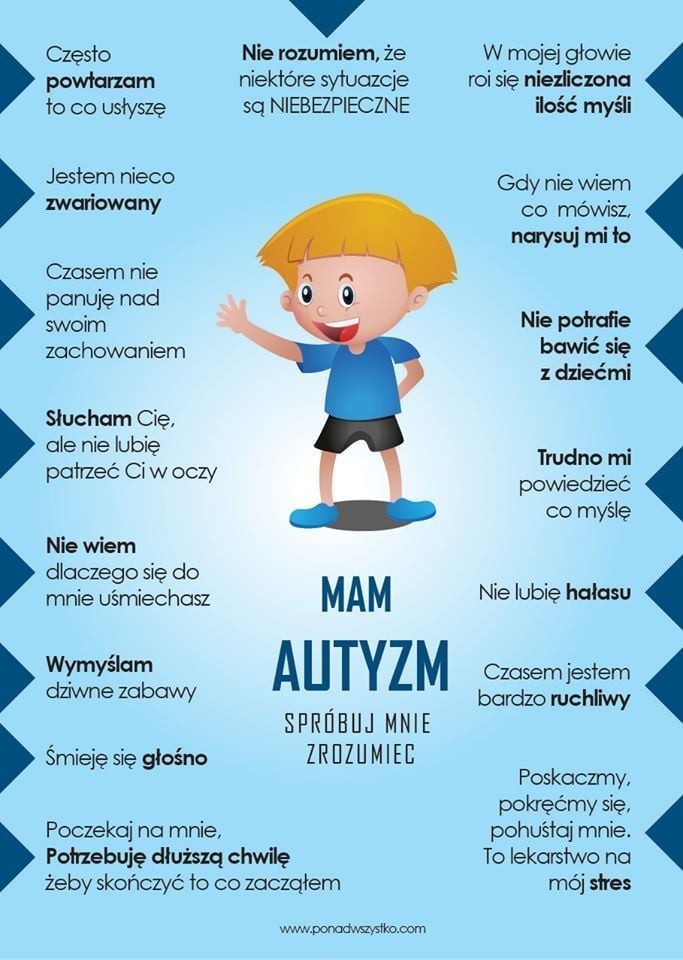
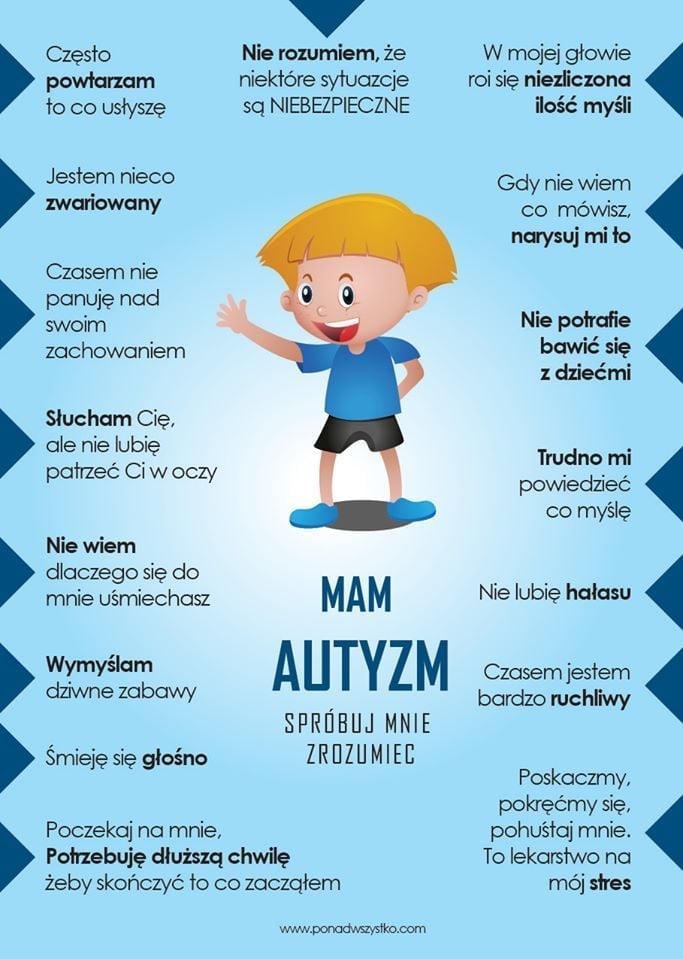
Autism is a serious, holistic developmental disorder involving the cognitive, emotional and social spheres of a child. As a holistic disorder, it affects all areas of functioning, contributing to the occurrence of irregularities in social relations, communication and the way of playing.
As part of this activity, all students of our school and preschoolers were dressed in blue.
We participated in discussions, conversations, watched movies, made posters related to this holiday and solved interactive quizzes in wardwall, Kahoot and ILS worksheets programs.
We learned acceptance and understanding.
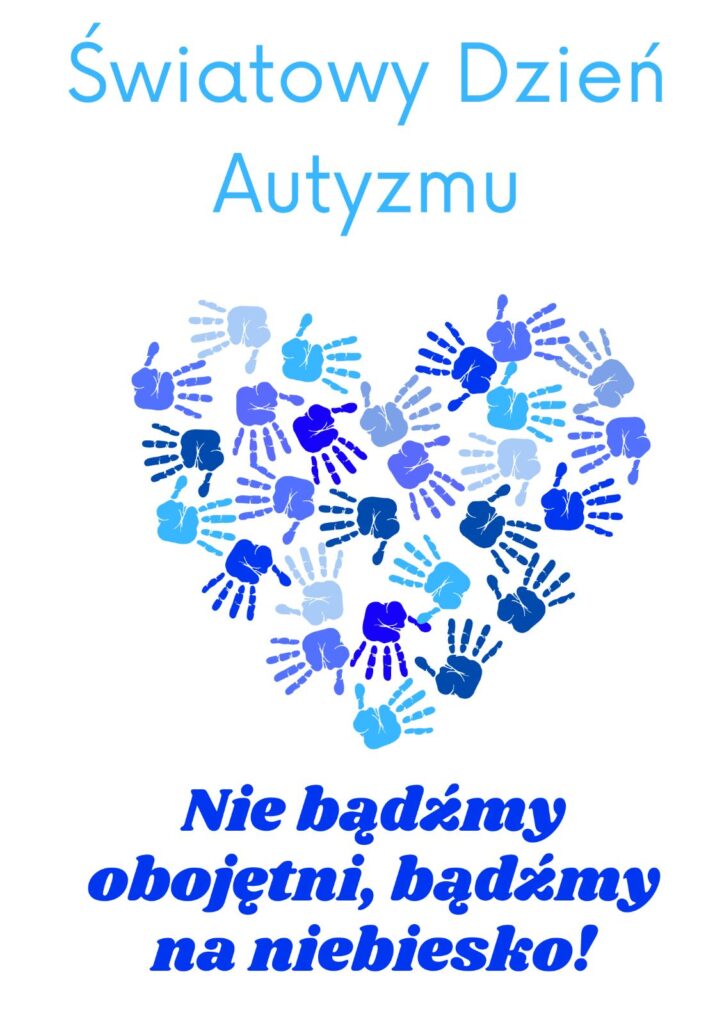
Let us not be indifferent, let us be blue!
Local activity
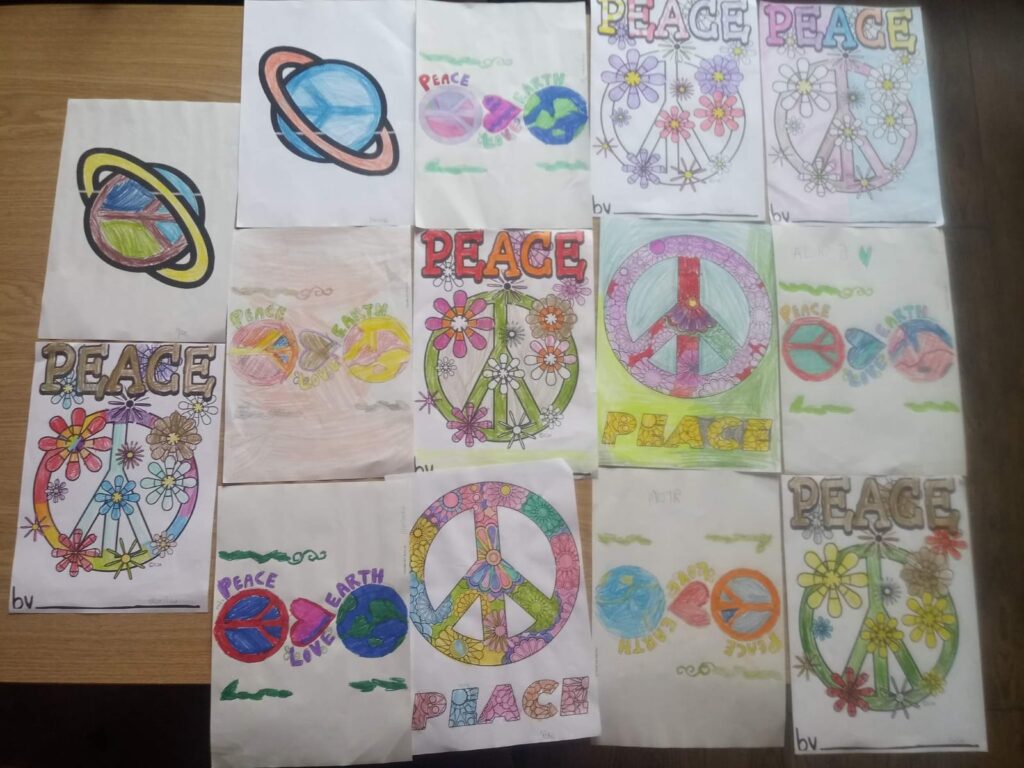
Workshop 2 GLOBAL EDUCATION WEEK “PEACE AND PARTNERSHIP” 14-20. 11.2022
GLOBAL EDUCATION WEEK “PEACE AND PARTNERSHIP” 14-20. 11.2022
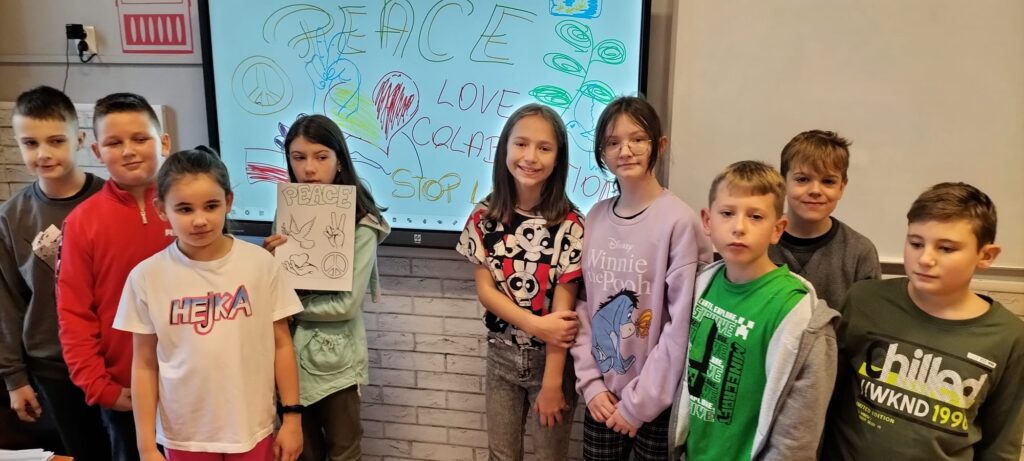
Last week we celebrated the Global Education Week for Peace and Partnership in our school.
That time coincided with the “Orange Ribbon Campaign”, which aimed to increase public engagement in preventing violence against children. As part of the undertaken activities, we conducted live discussions with students and prepared an exhibition of posters “Violence – I think and react”.
Another activity was the cooperation of our school with some organizations and companies operating locally. During the “Entrepreneurship Week” our students got to know different places and raised their own awareness about what can be done for our world and its protection.
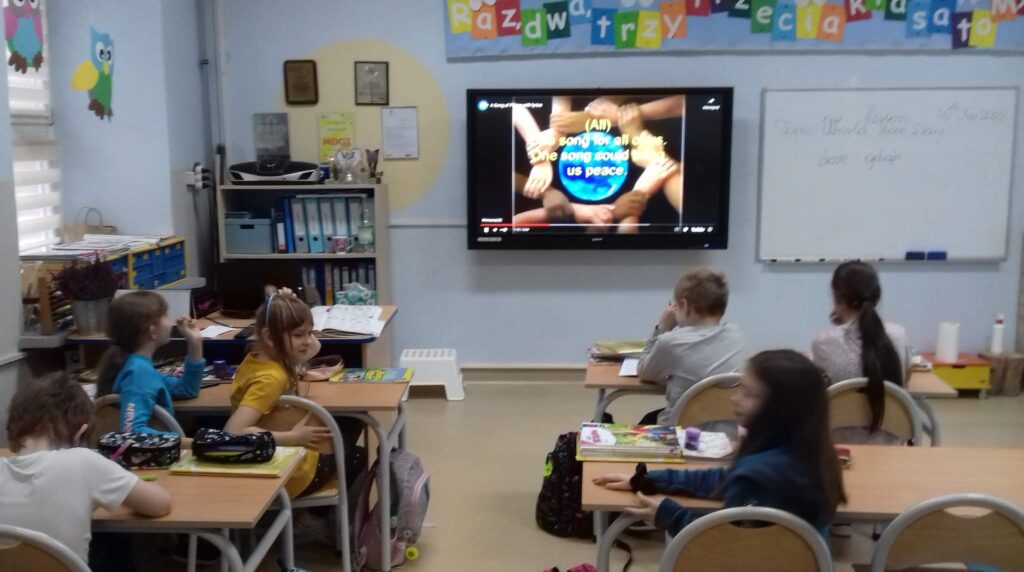
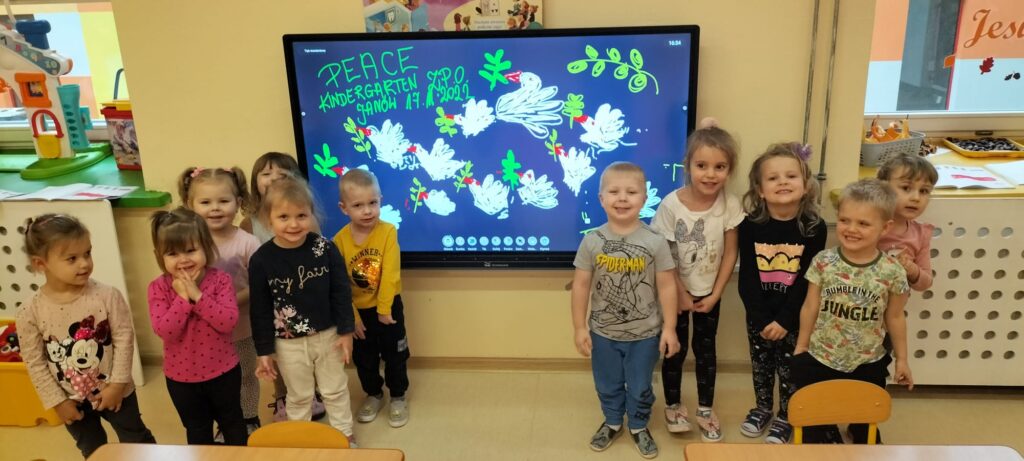
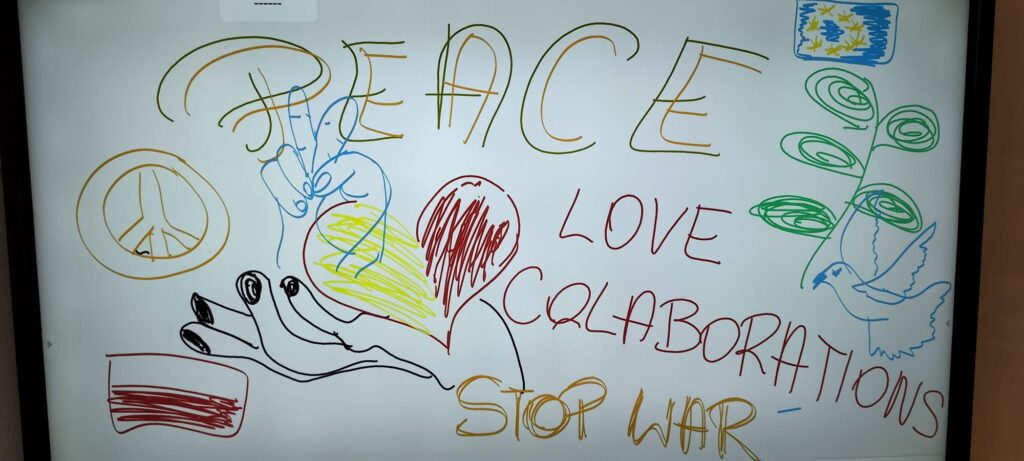
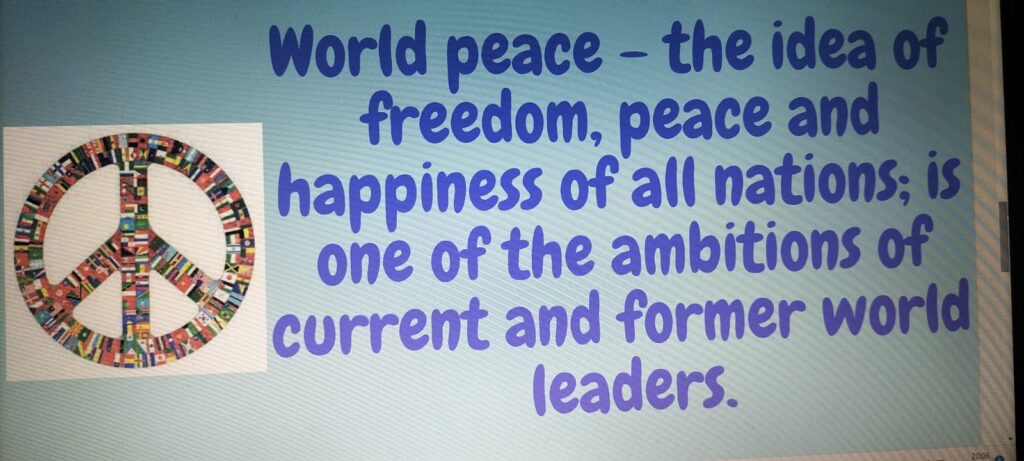
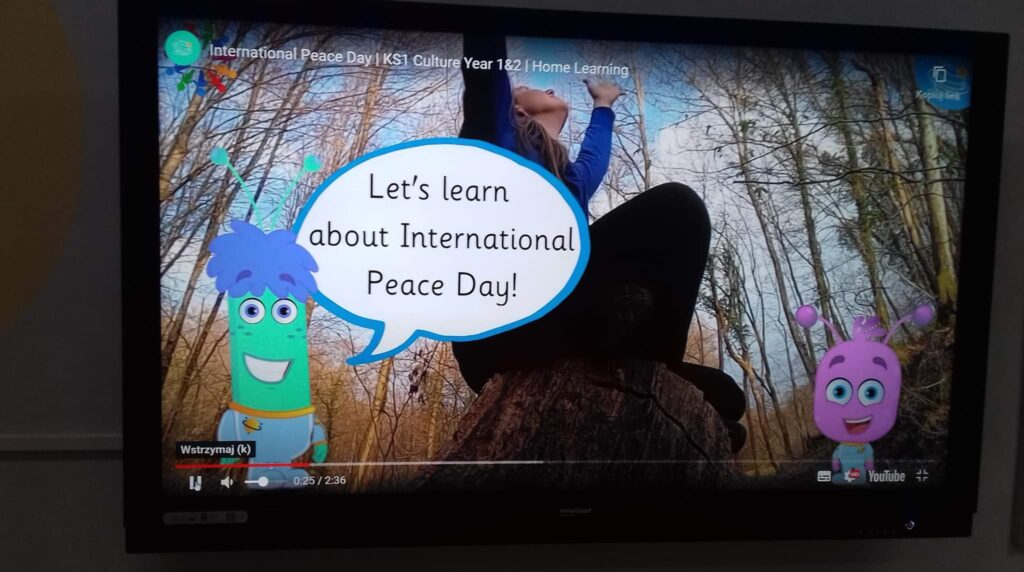
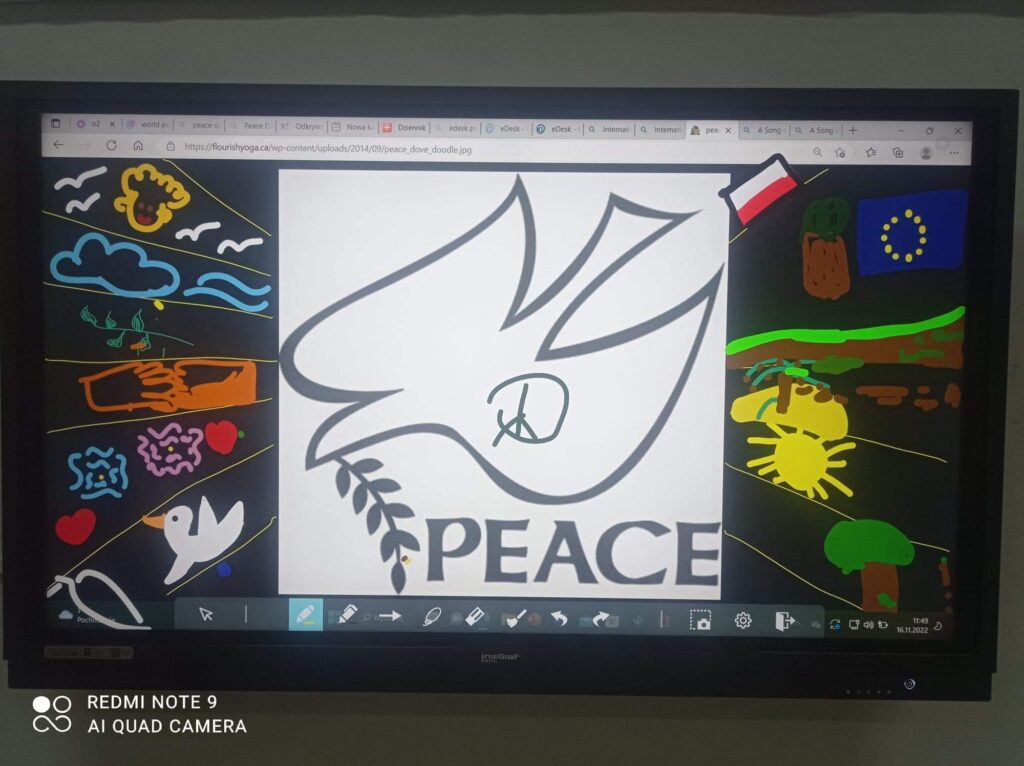
In younger grades I – III, children sang English songs, watched short films about peace, learned about the its symbols and expressed their peace associations using digital tools. After that, they took part in poster competitions.
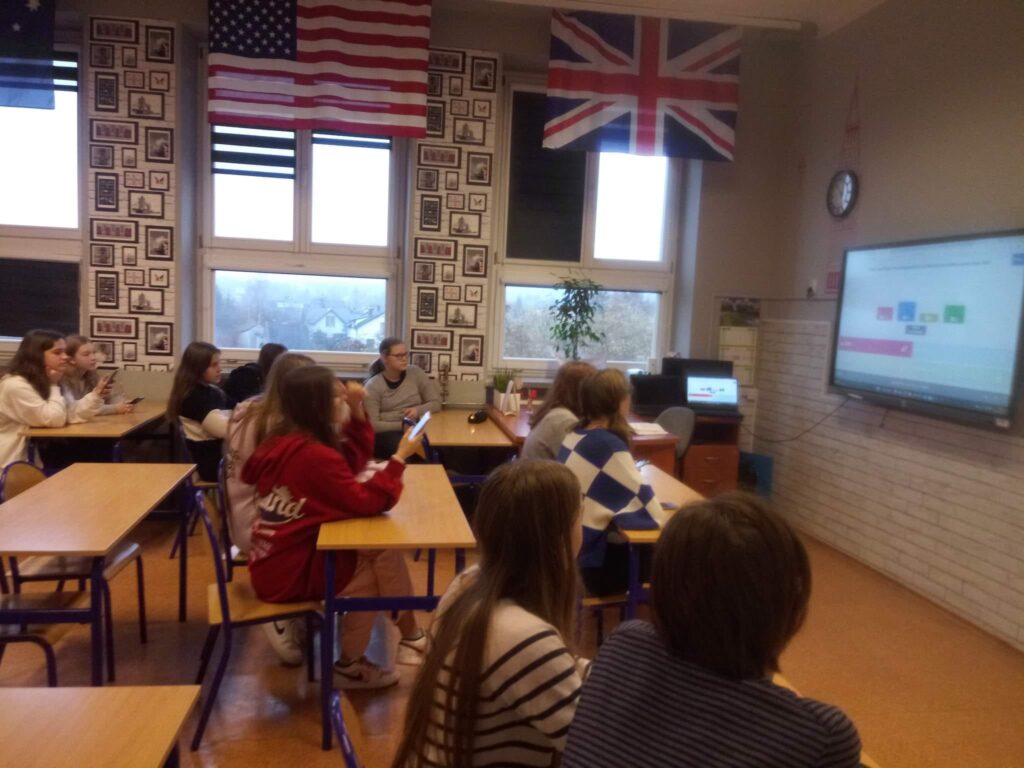
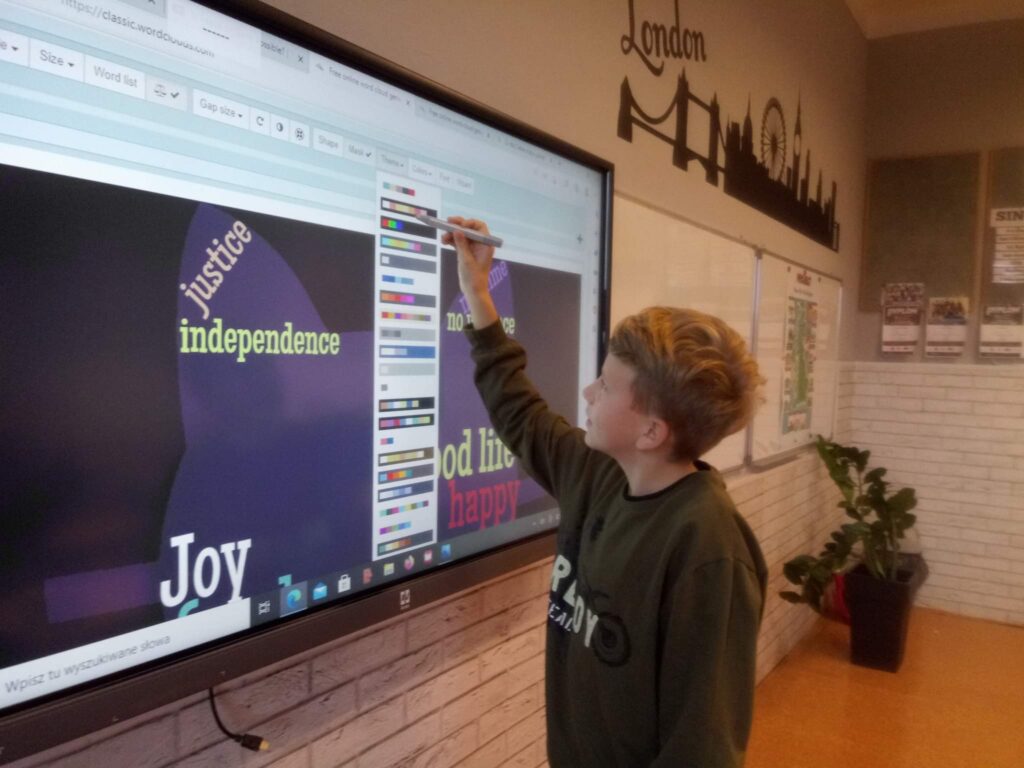
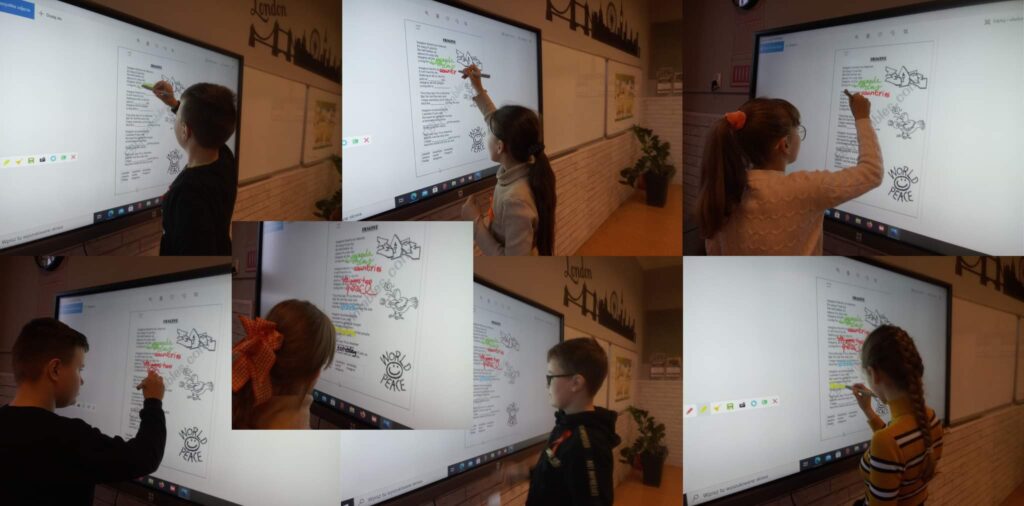
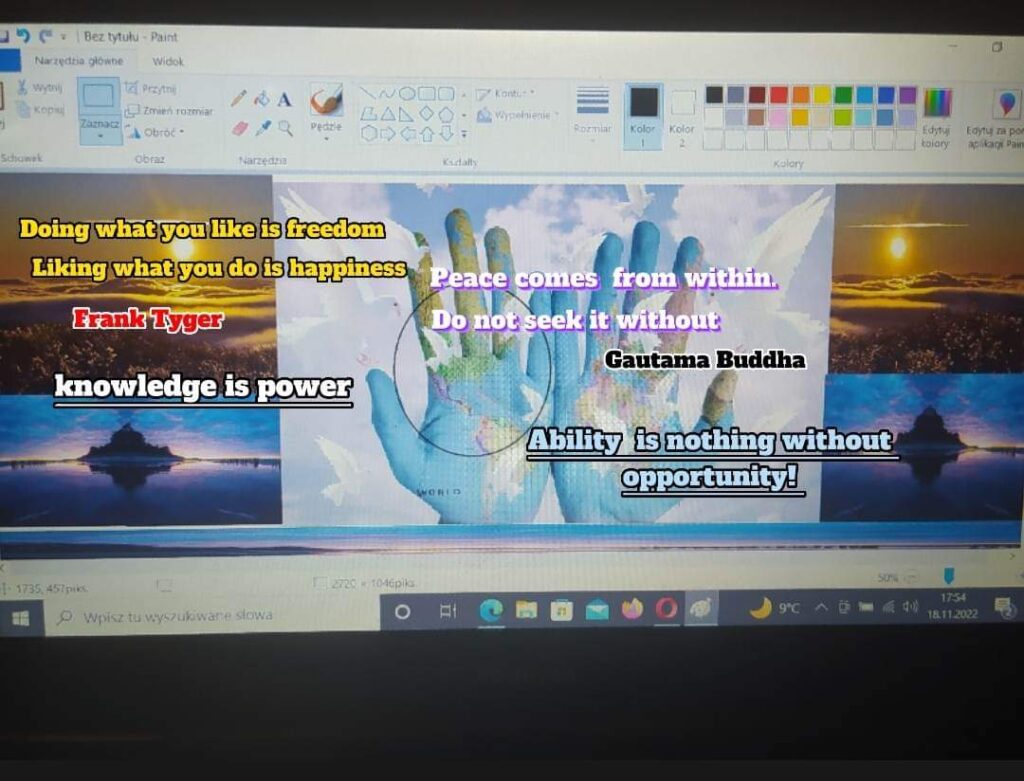
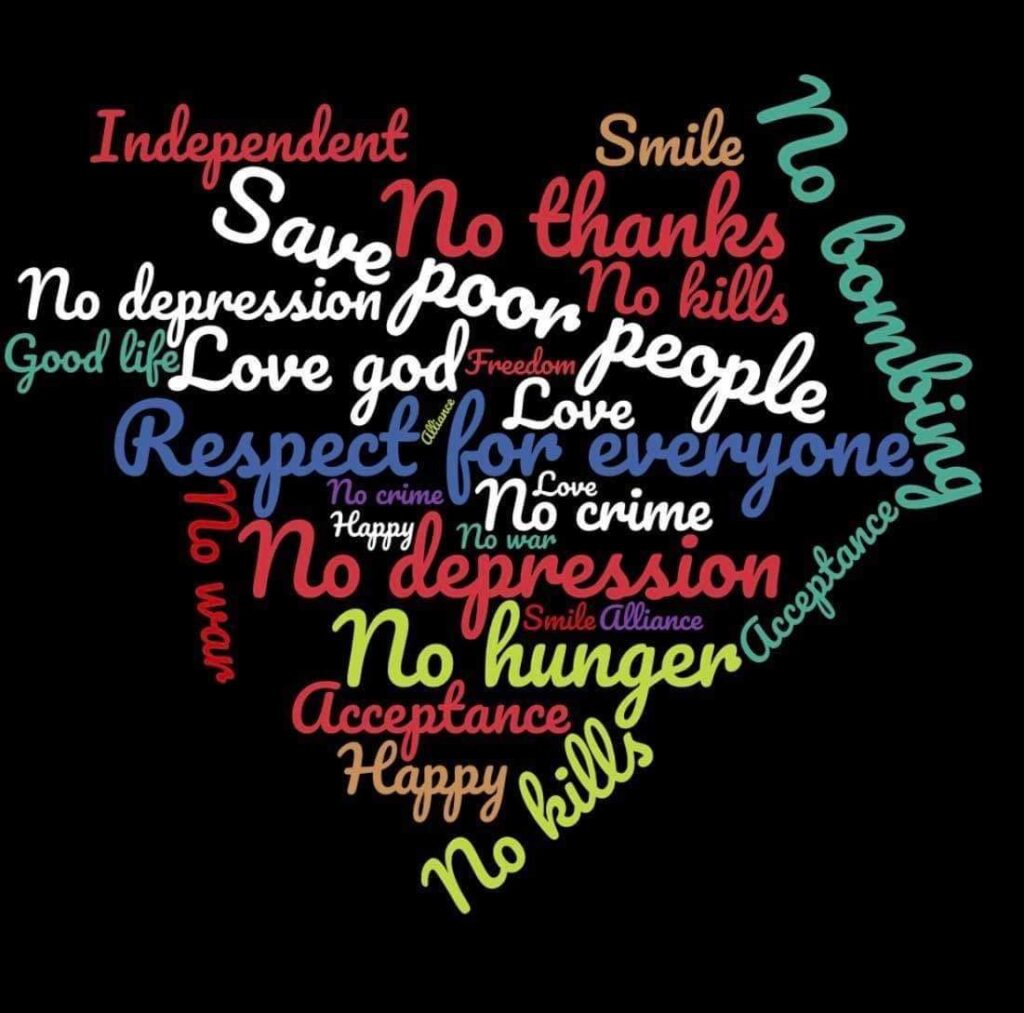
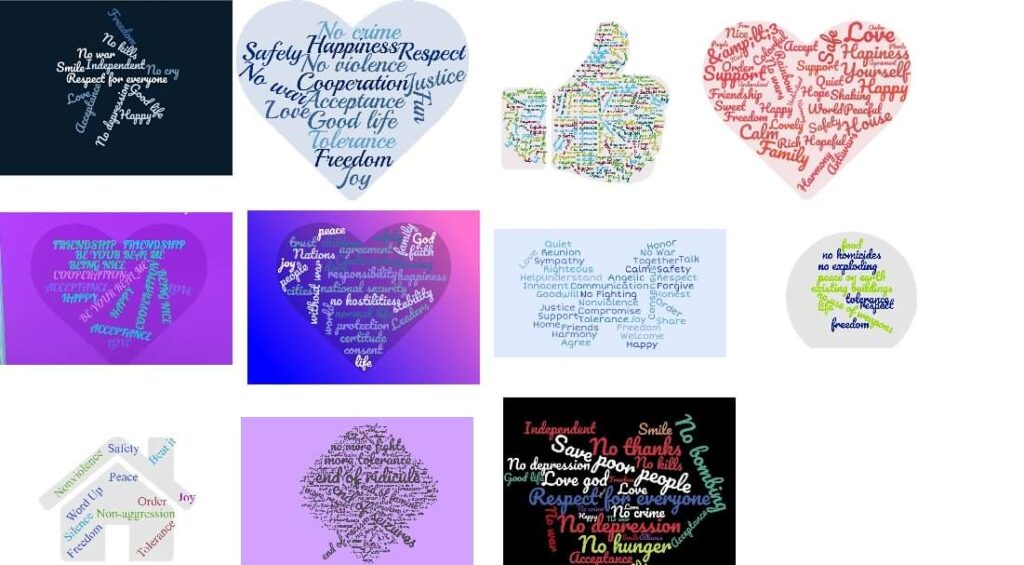
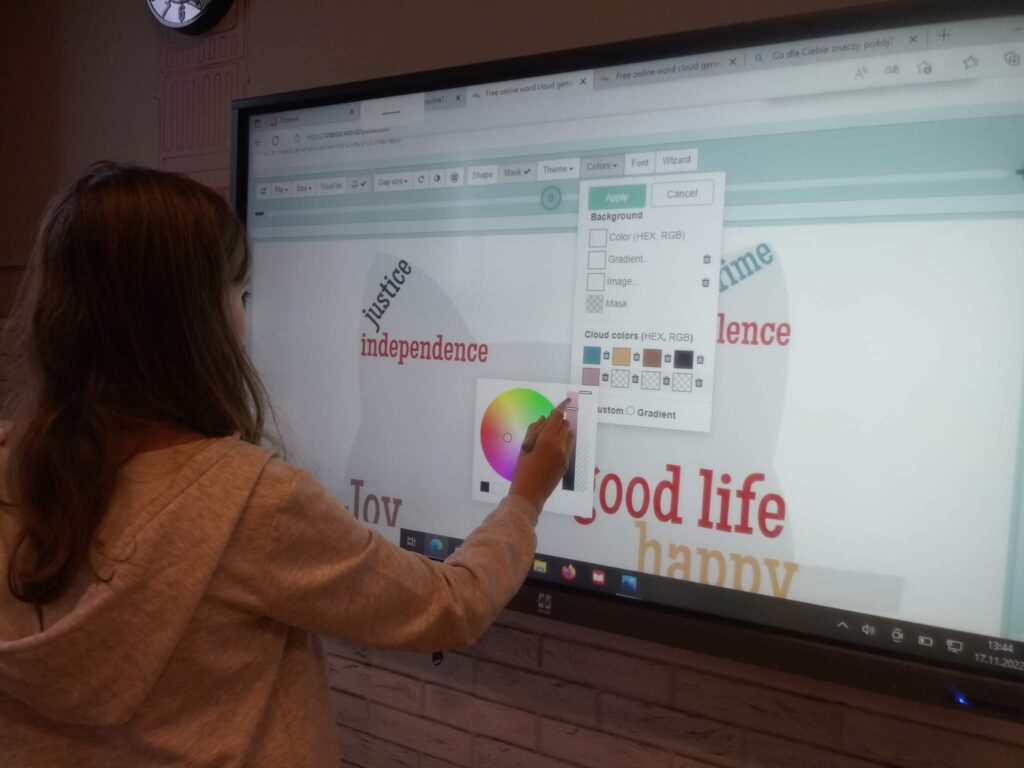
Older students watched the presentations: What does peace mean to you?, after which they led the discussions. They also completed the lyrics of the song and guessed the peace slogans, they learned to make a cloud of words together “peace word cloud” using the cloud maker generator to create their own. The oldest students solved peace quizzes in the Kahoot app and made mini presentations with peace quotes in various programs. All activities were carried out using an interactive whiteboard.