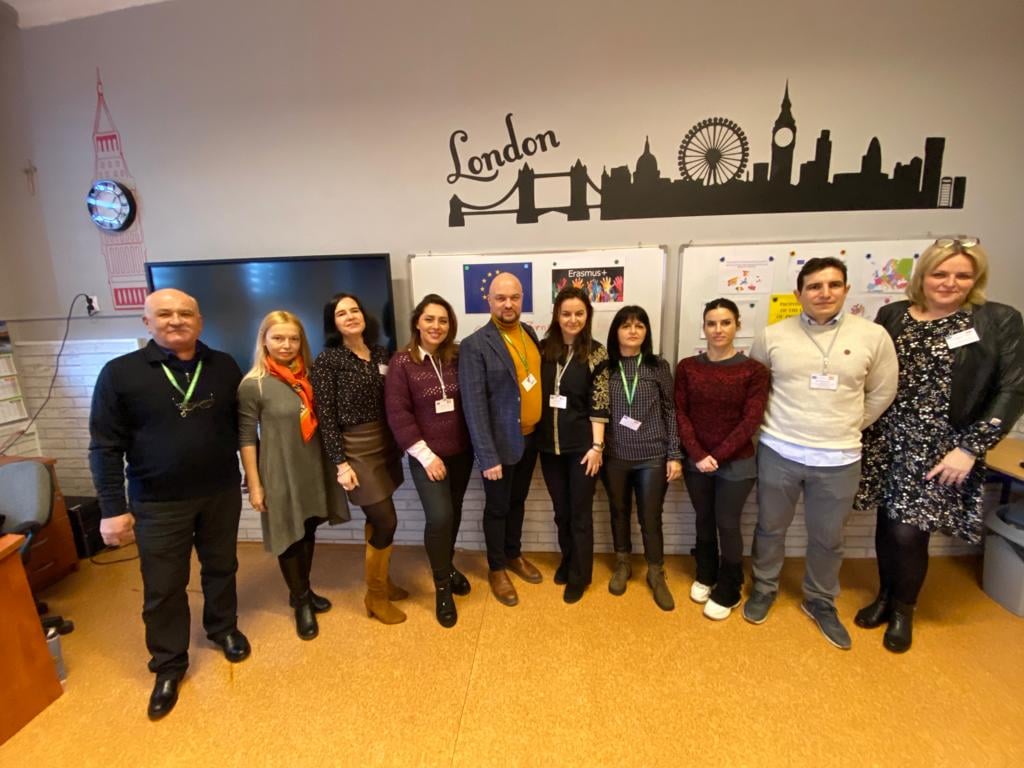
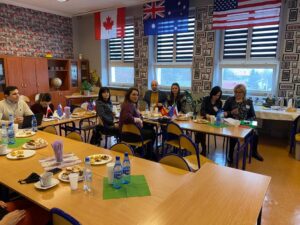
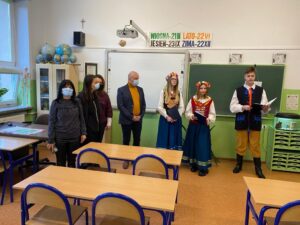
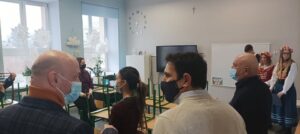
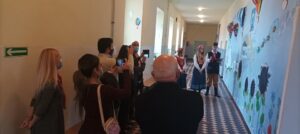
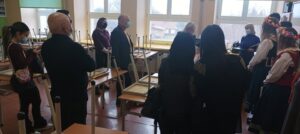
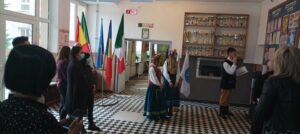
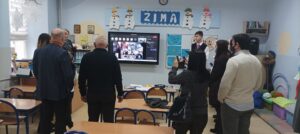
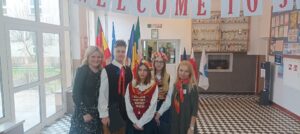
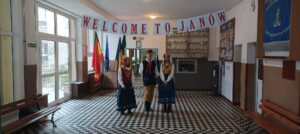
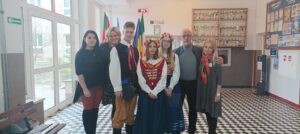
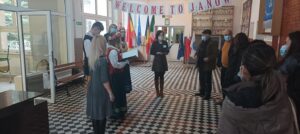
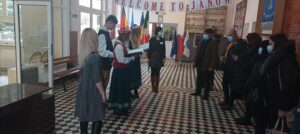
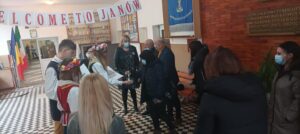
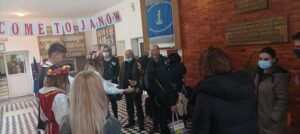
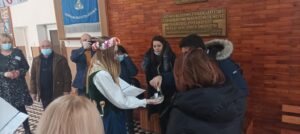
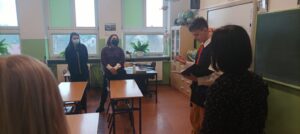
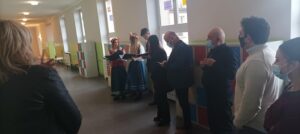
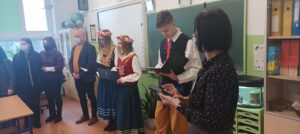
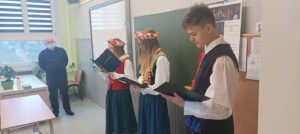
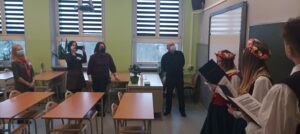
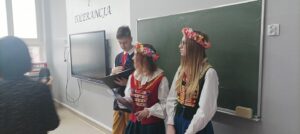
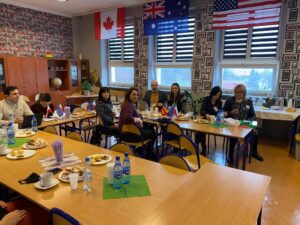
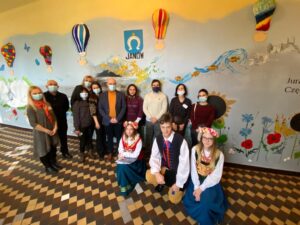
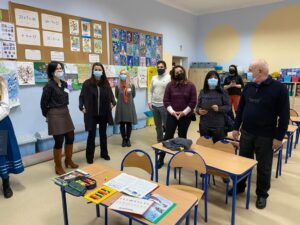
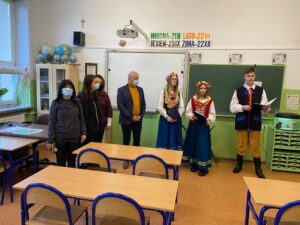
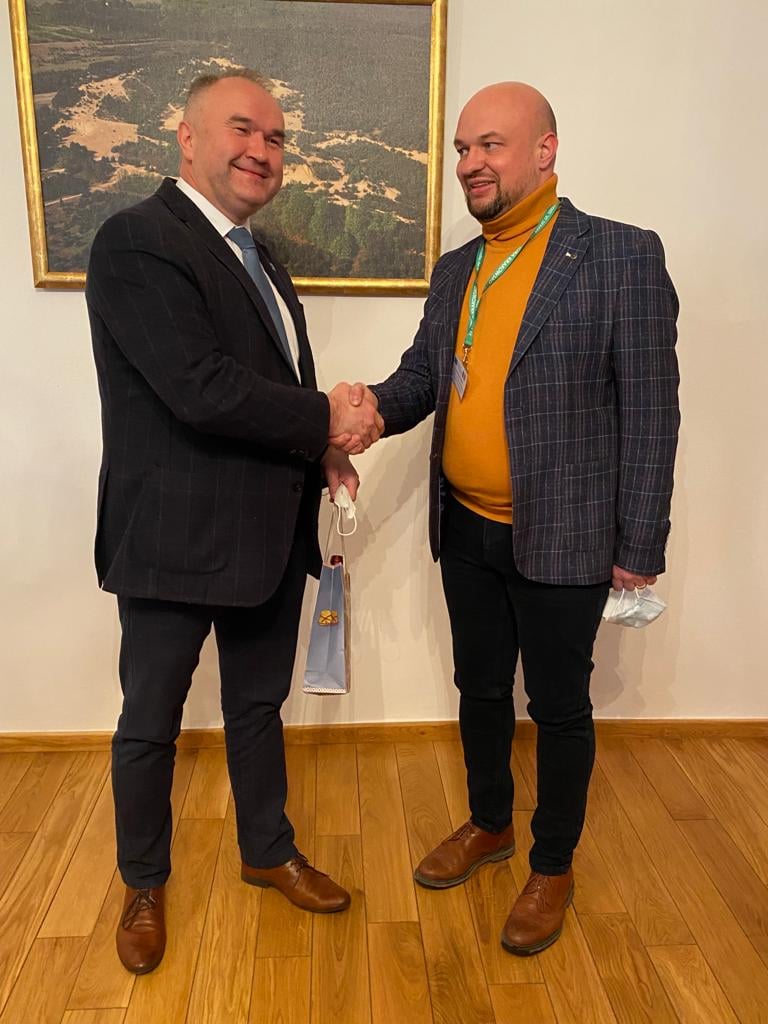
Between 7-9 February 2022 The Team of Educational Institutions in Janów hosted the coordinators of the project “Cryving Nursery and Elementary Schools in Janów”. Among them were representatives from Spain, Romania, Italy and Portugal. Sylwia Kaniewska was the coordinator from the Janów Municipality – Director of ZPO in Janów.More on: https://www.janow.pl/cyfryzacja-przedszkola-i-szkoly…
The purpose of the international meeting TPM1 in Poland was to mark the beginning of the Erasmus Plus KA220 DZ-Zone project and to lay the foundations for close collaboration among the project partners. This meeting represented a crucial moment in the project’s implementation and had the main objective of defining the tasks, responsibilities, and work plan for each partner organization.
The objectives of TPM1 meeting were as follows:
Welcome and Familiarization: To provide partners with an introduction to the project’s atmosphere and partner schools in Poland through a visit to the school and other points of interest.
Assignment of Tasks and Responsibilities: To establish clear tasks and responsibilities for each partner organization in accordance with the project’s requirements and objectives, including management, monitoring, evaluation, and communication.
Presentation of Plans and Key Documents: To present the project’s management, monitoring, communication, and evaluation plans by the respective partner organizations to ensure a common understanding and alignment at a strategic level.
Presentation of Financial Rules and Budget: To present and discuss the project’s financial rules and the allocated budget for each partner organization to ensure efficient fund management.
Presentation of Platforms and Resources: To introduce the e-learning platform and the project’s website, as well as other relevant resources that will be used within the project.
Establishment of Work Procedures and Communication: To define the mode of collaboration among partner organizations, set up procedures for creating project deliverables, and plan future meetings and communications.
Visits and Cultural Activities: To visit places of interest in Poland and create a friendly and collaborative environment among partners through cultural and social activities.
Presentation of Partner Organizations: To introduce each partner organization, their previous experience, and their roles in the project’s implementation.
This meeting served as an essential starting point for the implementation of the project and for establishing effective collaboration among partner organizations, thereby ensuring the success and achievement of the objectives of the Erasmus Plus KA220 DZ-Zone project.
The primary school teacher portfolio can include a variety of IT tools to support and enhance the learning process for students. These can be tools for managing and organizing educational activities, as well as tools for developing students’ digital competencies.
Here are some examples of IT tools that could be included in a portfolio for primary education:
Online learning platforms: These can be used to create and deliver online lessons and educational materials, to organize and manage learning activities, and to evaluate student progress.
Educational games and applications: These can be used to make learning more interactive and fun for students, especially to help them learn basic concepts of math, reading, or writing.
Online collaboration tools: These can be used to allow students to work in teams and share ideas and projects online, such as Google Docs or Padlet.
Presentation and creativity tools: These can be used to help students develop their presentation and communication skills, as well as to create visual projects and works, such as PowerPoint or Canva.
Classroom management software: These can be used to organize and manage learning activities and to monitor student progress, such as ClassDojo or Kahoot.
Mobile devices and tablets: These can be used to provide access to online educational resources and to help students learn anytime and anywhere.
Online learning platforms that you can use to create and deliver online lessons and educational materials, to organize and manage learning activities, and to evaluate student progress:
*Google Classroom – It is a free, easy-to-use online learning platform that allows teachers to create and distribute online lessons and educational materials, to organize learning activities, and to communicate with students and parents.
*Edmodo – It is another free online learning platform that offers teachers the ability to create online lessons and educational materials, to organize and manage learning activities, and to evaluate student progress.
*Schoology – It is an online learning platform that allows teachers to create and deliver online lessons and educational materials, to manage and organize learning activities, and to monitor student progress.
*Canvas – It is an online learning platform that allows teachers to create and distribute online lessons and educational materials, to communicate with students, and to manage learning activities, including evaluation and feedback.
*Moodle – It is an open-source online learning platform that allows teachers to create and deliver online lessons and educational materials, to organize and manage learning activities, and to monitor student progress.
Educational games and applications for primary education:
*Prodigy – It is an online math game that is free and helps students learn and reinforce their math skills. It is created specifically for children from grade 1 to grade 8, with content suitable for each age and skill level.
*Duolingo – It is a language learning application that offers interactive and fun lessons on vocabulary, grammar, and pronunciation. It is suitable for students of all ages, including those in primary education.
*ABCya – It is an online educational platform that offers interactive games and activities to learn and reinforce reading, writing, and math skills. It is created specifically for children from grade 1 to grade 5.
*Scratch – It is a free educational platform that helps students learn and create their own interactive games and animations, using pre-defined code blocks. It is an excellent way to teach students programming skills and to help them develop their creativity.
*Seesaw – It is a classroom management application that helps teachers create and distribute interactive activities for students, including educational games and learning tasks. It is suitable for students of all ages and skill levels.
Educational games and applications used in Romania:
*Miniștrii – It is an educational game created by the Romanian Government, which helps students understand basic economic concepts. The game has different levels of difficulty and is available for free in app stores.
*Alfabetul Vesel – It is an educational application created for children in the preparatory class, which helps them learn the alphabet and develop their reading and writing skills. The application is available for free in app stores.
*Moț și Radu – It is an educational game created by the Didactic and Pedagogical Publishing House, which helps students learn concepts of math, grammar, and general culture, through interactive stories. It is available for free in app stores.
*Tabăra de Matematică – It is an online mathematics learning platform that offers interactive games and activities for children from grade 1 to grade 8. It is created by Aramis Publishing House and is available for free in app stores.
*Digital Textbooks – It is an online platform that offers digital textbooks for all levels of education in Romania. The digital textbooks include educational games and interactive activities for students.
STRUCTURE OF A PORTFOLIO:
I. About me: This section can include a personal presentation of the teacher, as well as information about their professional experience, qualifications, and ongoing training.
II. Lesson portfolio: This section can include examples of lessons or educational activities that the teacher has created and used in class. These examples can be presented in the form of PDF files, PowerPoint presentations, videos, or other multimedia materials.
III. Student work: This section can include samples of student work, such as essays, presentations, projects, and other work created by students under the guidance of the teacher. These works can be presented in the form of photographs, videos, or other multimedia materials.
IV. Evaluation and feedback: This section can include examples of feedback received from students, parents, and colleagues, as well as examples of evaluations and progress reports of students.
V. Educational resources: This section can include a list of recommended educational resources, as well as links to relevant websites for the subjects taught by the teacher.
VI.Contact: This section can include information on how to contact the teacher, as well as links to their profile on social networks or other relevant platforms.